Posts

Hash Tags Android App
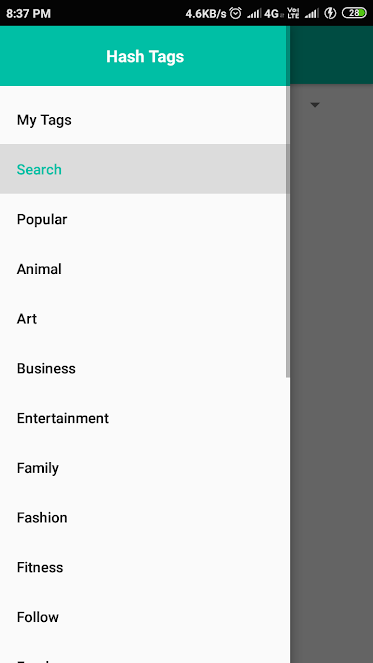
Image
Hash Tags Android App This app makes life easier by providing respective hashtags for social media promotions several categories are available and will be updates weekly. One can save their customise hashtags groups too. Download it now from play store by clicking the link below. Download App Now

Toll Calculator India

When we plan a tour or travel through a new route sudden appearance of toll gates may shock our pockets. So using this toll calculator one can check whether there are any toll gates ,their fee and other facilities. TollGuru Click to Calculate Toll India

Bill Splitting in BHIM App

On a tour or to a party or to a movie with friends sometimes we need to split the amount we spent among our loved friends. There are plenty of apps available in App Stores Today in this post we discuss about BHIM App (India) In this App a feature is available split bill, here you can add your friends mobile number, add total amount and get the amount splitted automatically. With one button click you can send money request to these friends who owns a BHIM app. Download BHIM Android App

Incoming Call not Showing Up in Android Phone

Recently one of my friend encountered a problem ie... Some phones run into a problem like not showing up the incoming call. This issue may be solved by this method: Step 1: Go to Settings Step 2 : Go to App Notifications Step 3 : Select Phone App Step 4 : Select Incoming Call Sound (option) Step 5 : Select Urgent make Sound and Pop up notification This process may solve your problem.

What a middle scroll button of computer mouse can do

What a middle scroll button of computer mouse can do ⦁ First one every one know it to scroll ⦁ On clicking middle mouse on a google chrome tab that particular tab will be closed ⦁ On clicking on a link it will be opened in a new tab.

Why Pen Markers are asked to put Horizontally to surface after use?

Image
To provide ink to tip and barrel taking care that none of them will dry.  We can also put upside down to provide tip a little bit advantage for providing instant write.

How to Rename a file or folder in Windows

How to Rename a file or folder in Windows Tap on the folder/file and click F2 button on the keyboard to Rename. Tap on the folder/file and right click on the mouse, select the Rename Option. Tap on the folder/file and select the Rename Option from the File Explorer on the top. (Ribbon Menu)